 New
Description
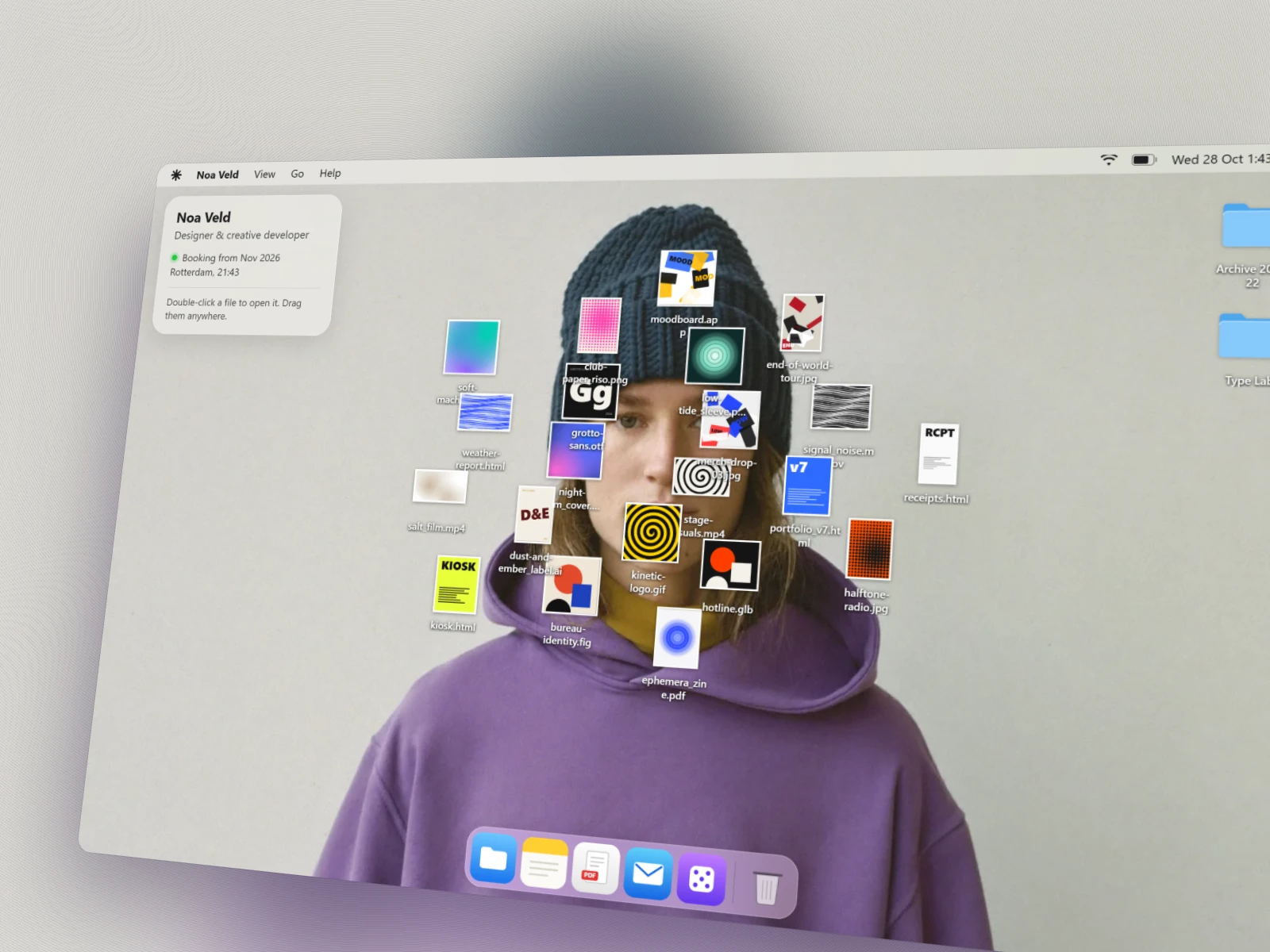
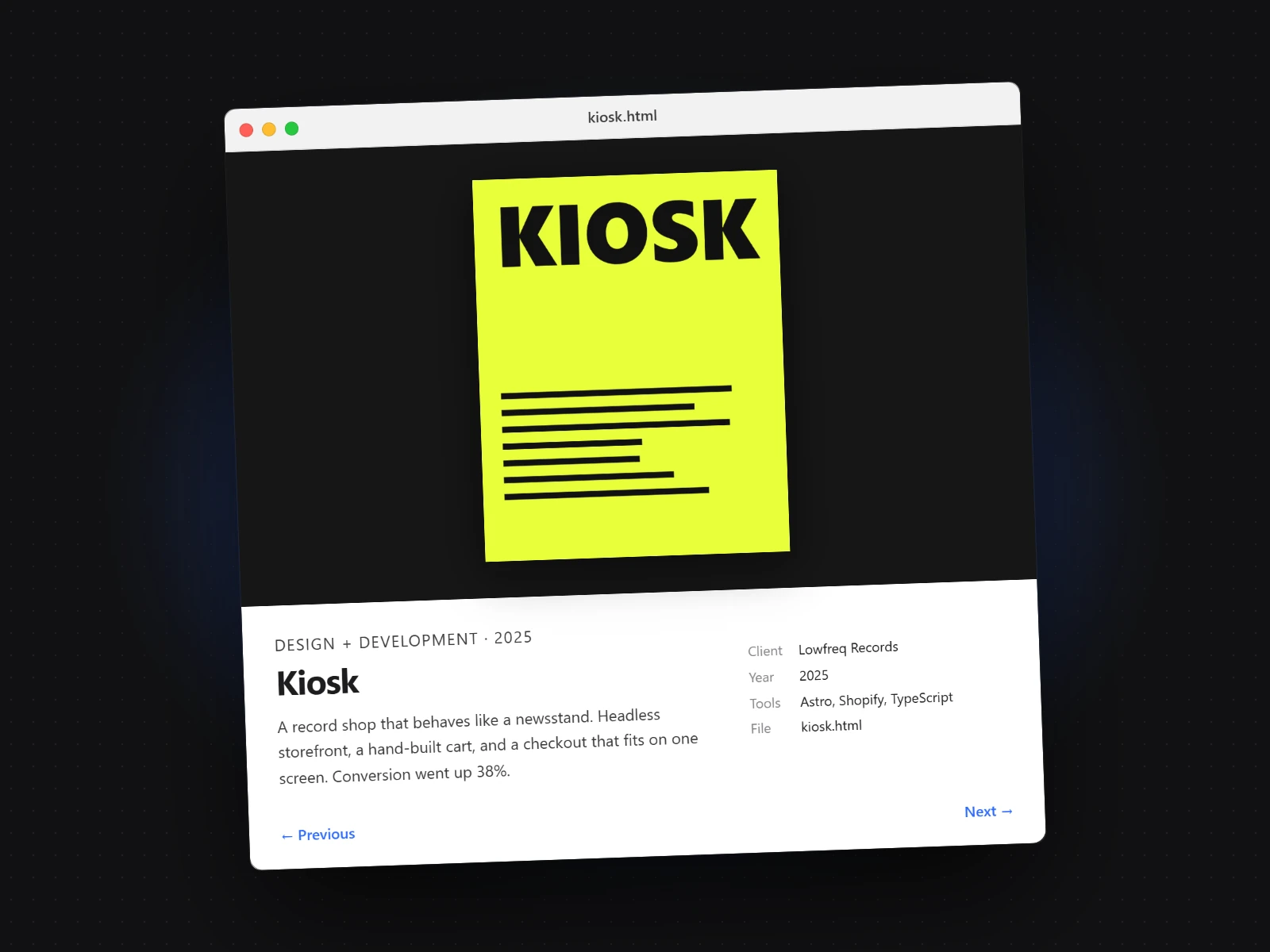
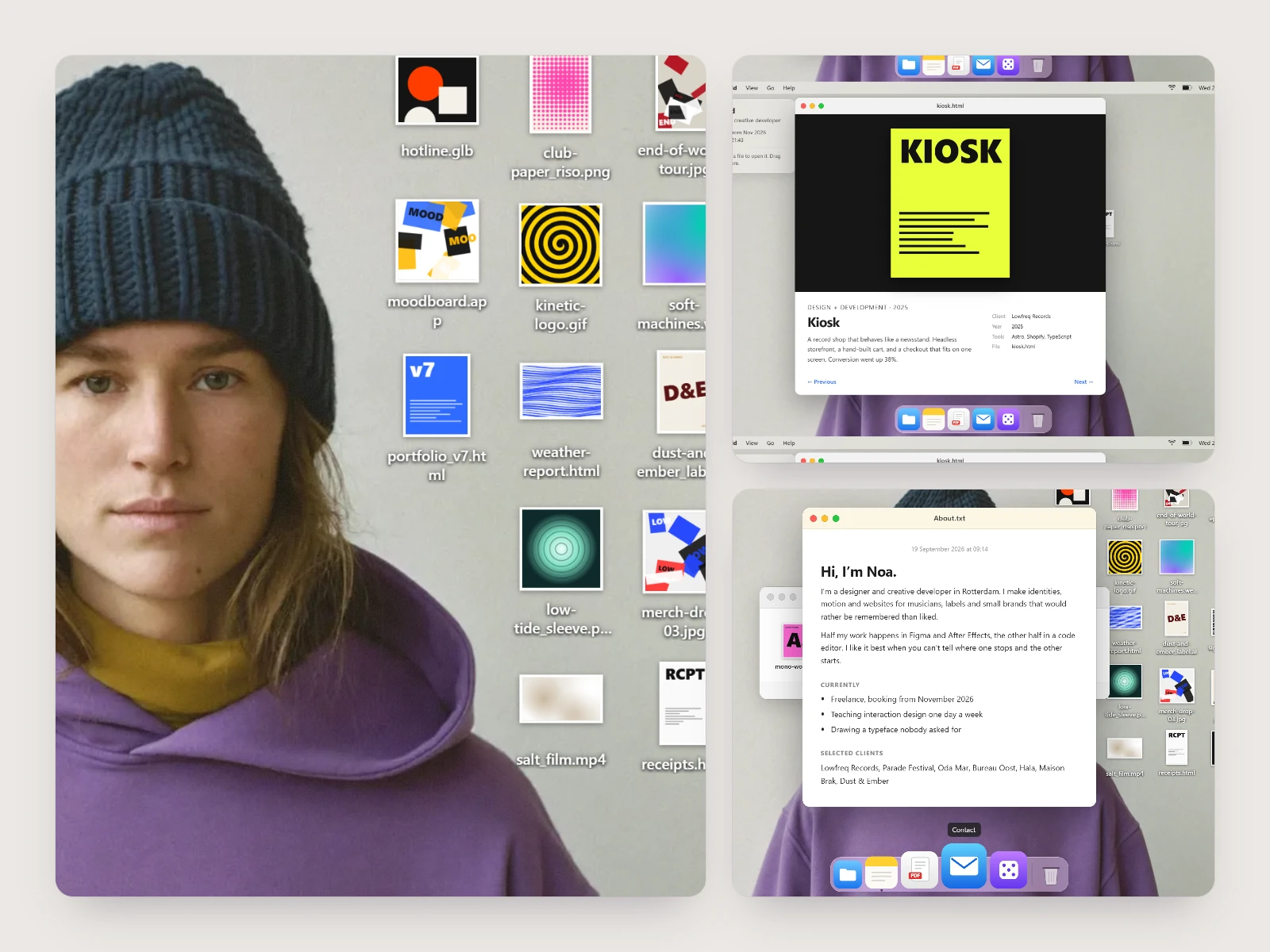
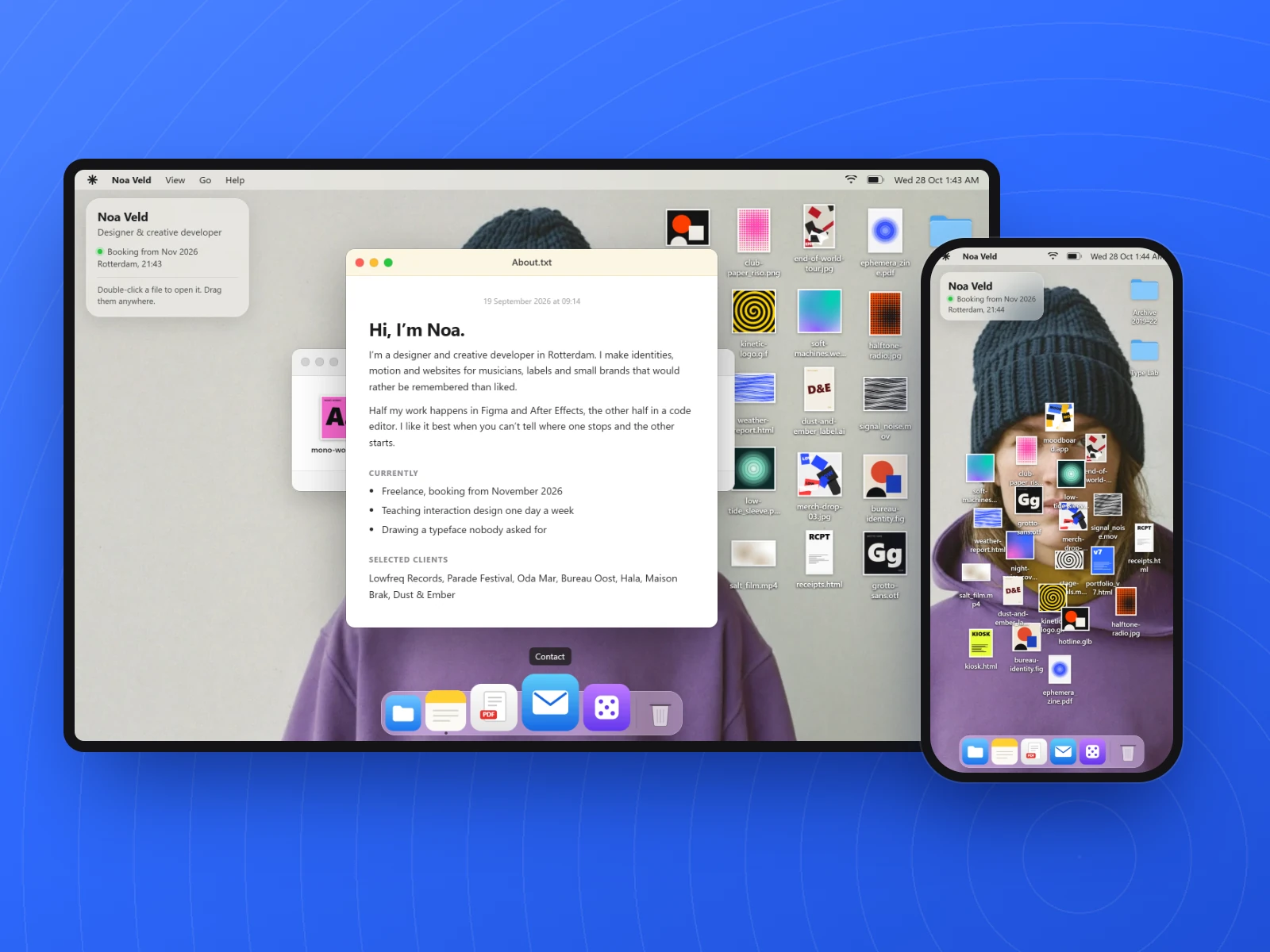
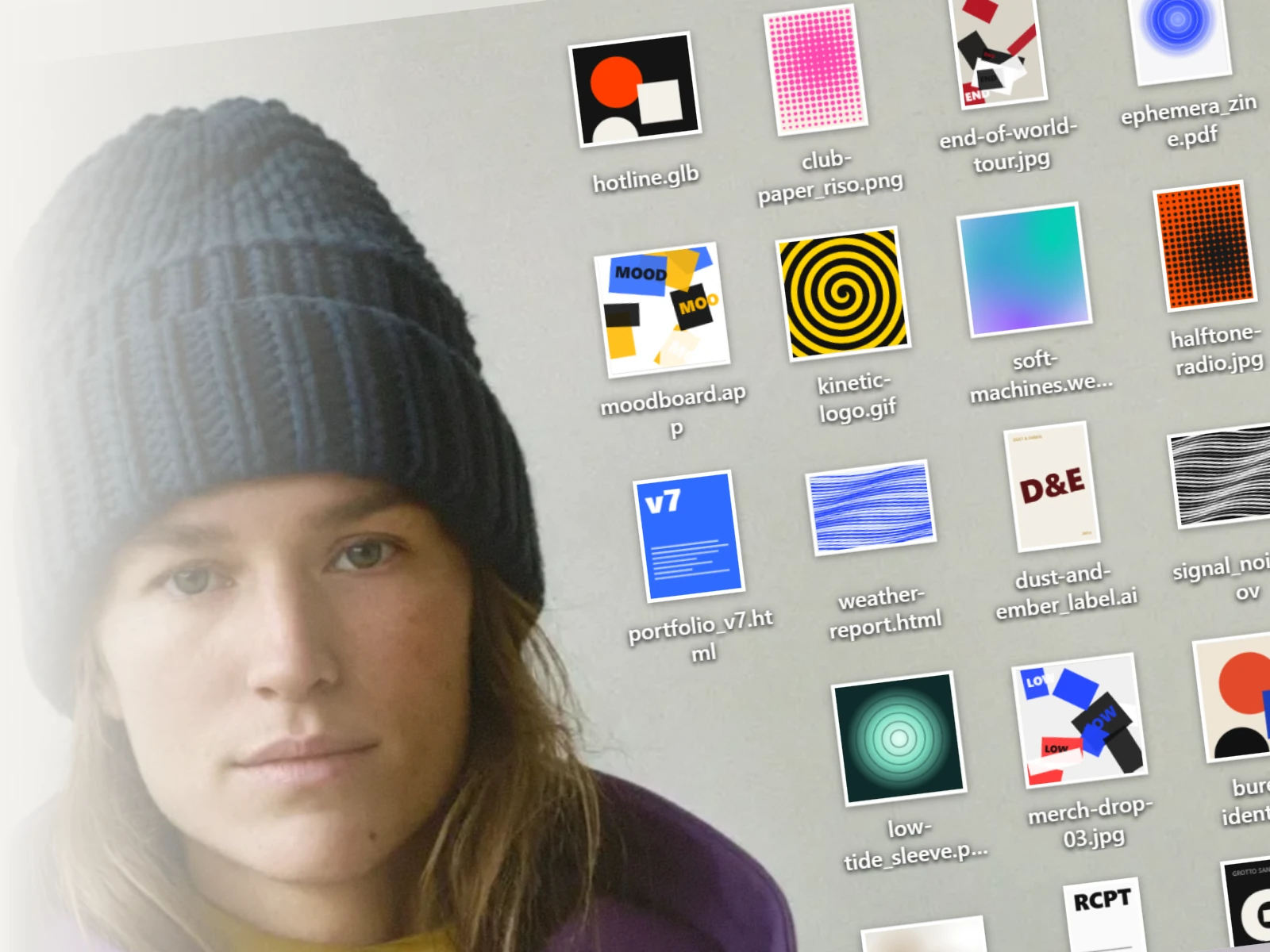
Noa Veld is a portfolio that pretends to be someone's computer desktop. A portrait fills the screen, project files are scattered across the face, and you open them like real files: double-click, drag, throw, select and right-click. Windows tilt as you drag them and the dock spreads on hover. Every thumbnail is drawn in code, so the site needs no project images.
Use it for:
- a designer's or developer's personal portfolio
- a playful site that rewards poking around
- a reference for desktop-style windows, icons and drag physics in plain JavaScript
Workflow
Open Claude Code
Install Claude Code, open a terminal in an empty folder and run claude. Pick Claude Opus 5 with the /model command.
Paste the prompt
Copy the prompt on this page and send it as your first message. Claude writes the HTML, CSS and JavaScript; no libraries are needed.
Make the wallpaper portrait
Use your own photo, or connect Higgsfield to Claude Code and generate a head-and-shoulders portrait with plenty of empty wall around the head. Put it in the folder and tell Claude the file name.
Preview and fix
Ask Claude to start a local preview and use it like a real desktop: double-click, drag and flick files, then try phone width. Ask for one fix per message.
Publish on GitHub Pages
Ask Claude to push the folder to a new GitHub repository. Then open the repository's Settings, choose Pages and deploy from the main branch.
More from Owais